26.1 New Siterra Preview Notes
These notes describe what we've added to the new Siterra preview in this release. Review the Siterra Release Notes for other changes to the product in this release.
We're delivering this automatic upgrade to UAT environments on January 15, 2026 and to production environments on February 7, 2026.
These notes are subject to change until the production release.
Navigation
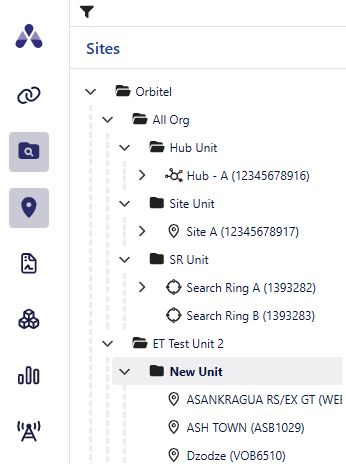
Expand and collapse the navigation tree and filter by object type.
Search
SP-56643
Search for specific entities including:
-
Sites
-
Search Rings
-
Projects
-
Incidents
-
Events
-
Assets
-
Documents
-
Leases
-
Hubs
-
Antennae
-
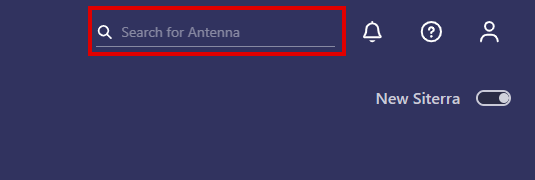
Click the magnifier icon
 in the Search box in the upper-right corner of the screen.
 -
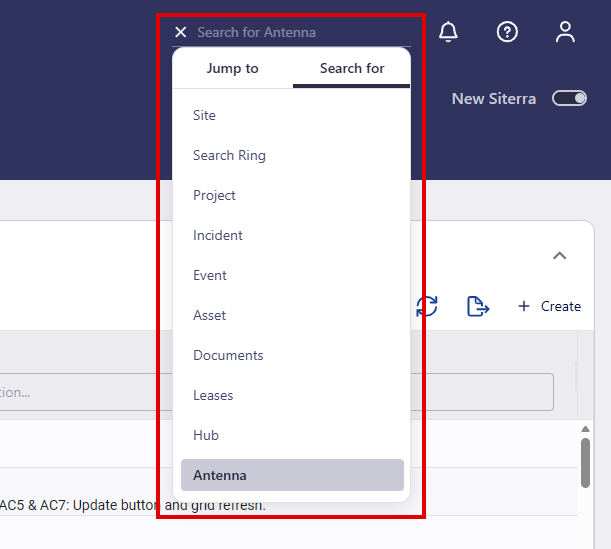
Click Search For, then select the type of object you want to search for including:
-
Site
-
Search Ring
-
Project
-
Incident
-
Event
-
Asset
-
Documents
-
Leases
-
Hub
-
Antenna
The Search for box displays the name of the object you select.
-
-
Click X, then enter the name of the item you want to search for.
-
Press Enter.
The Standard Search displays.
News and notes
View news and notes in the News and Notes pane.
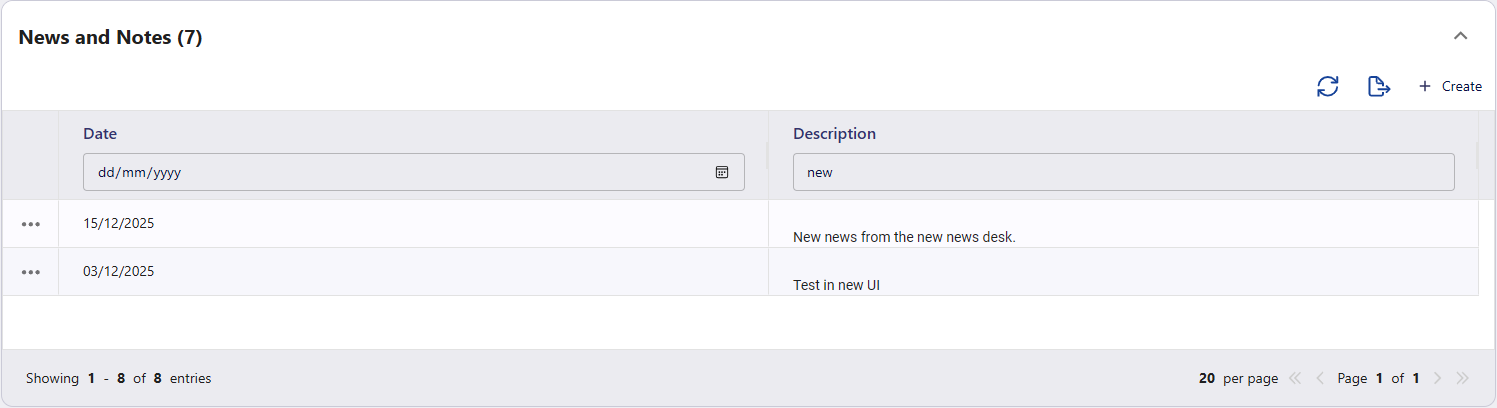
Filter the items by Date or Description and use the options available including
|
Option |
Function |
|---|---|
|
|
Refresh the displayed items. |
|
|
Export news and notes to an Excel spreadsheet. |
|
+ Create |
Create a new news and notes item. |
|
|
Select the ellipsis button ( |


To dos / activity
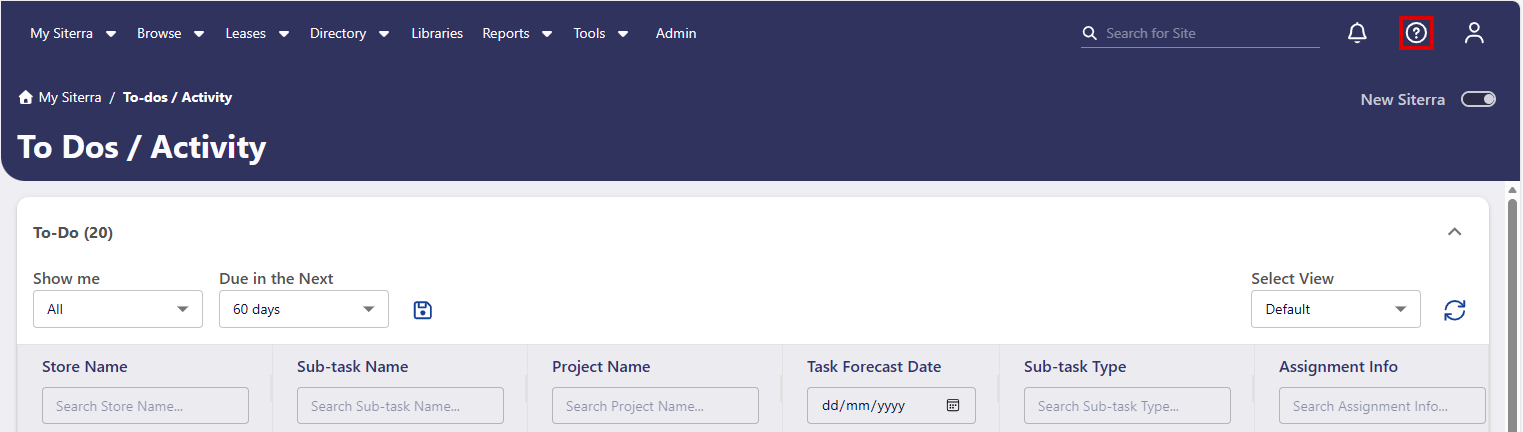
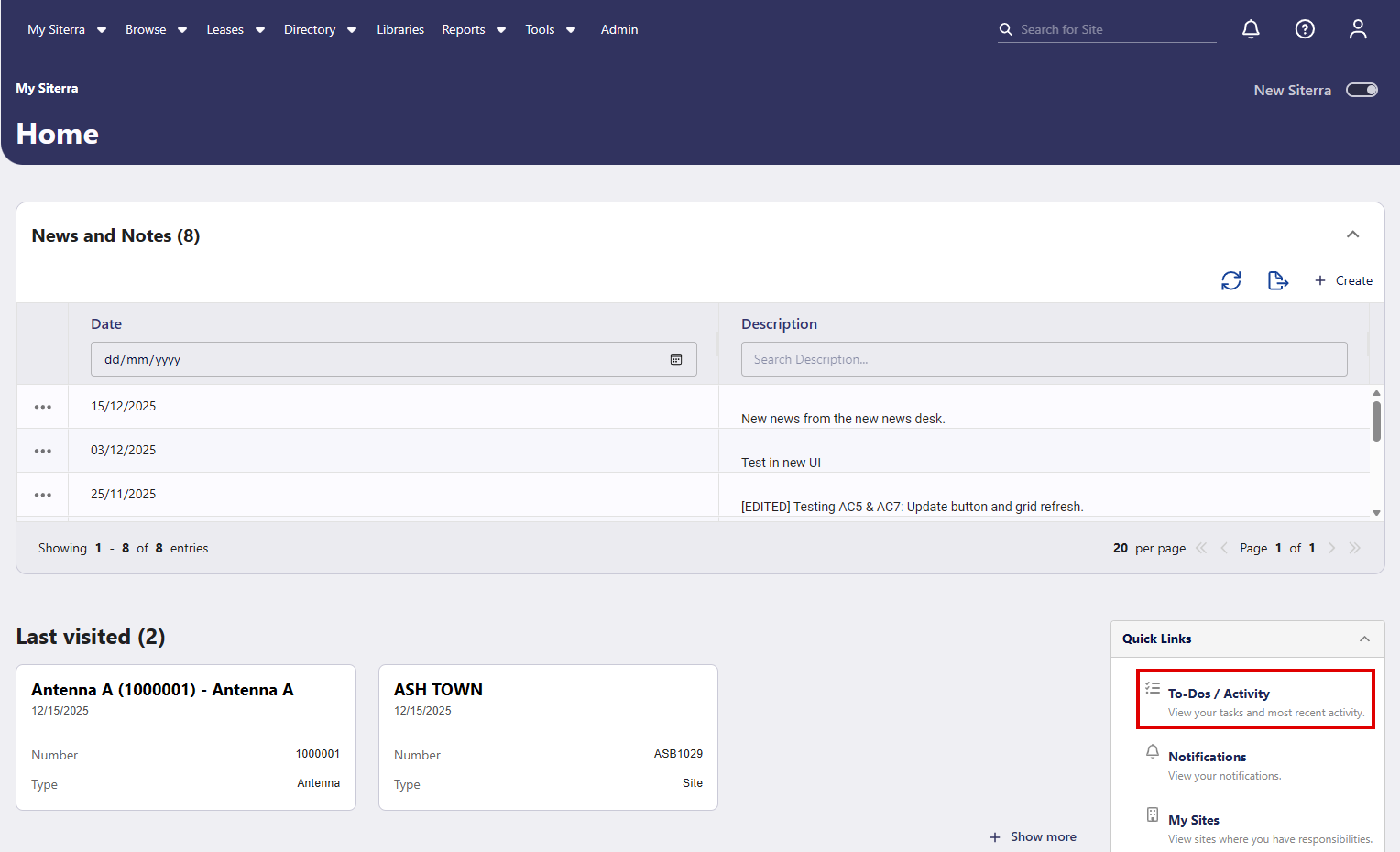
To display To Dos and Activity in New Siterra, click To-Dos / Activity on the Home page.
Context sensitive user guide
Click User Guide  on the page you're viewing to display user guide content relevant to that page. For example of you click user guides while on the To Dos / Activity page, that page opens in user guides.